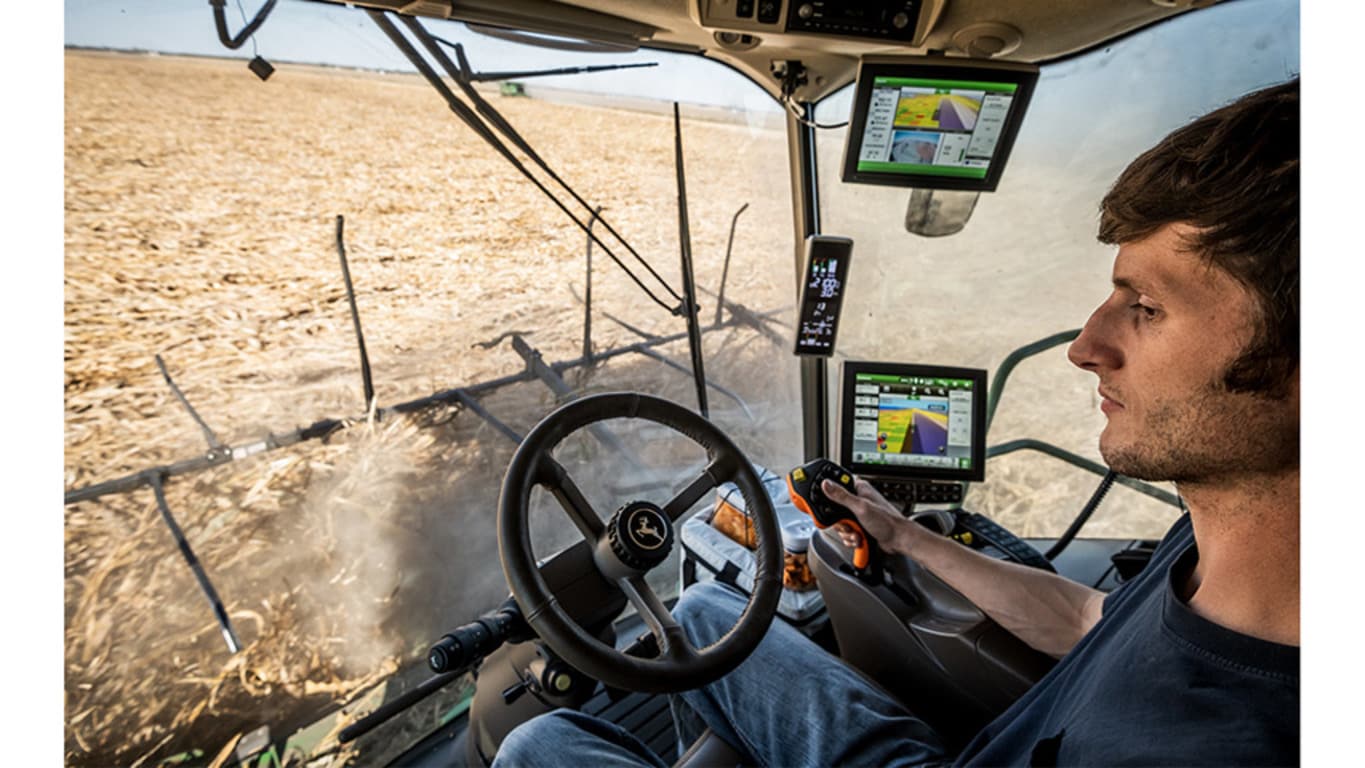
AUTOPATH
Precision Ag Technology
- Use data from the first pass, either strip-till or planting, to automatically create full-field guidance lines for secondary passes such as planting, spraying, and harvest
- Setup time for secondary operations is faster and crop damage is reduced as guidance is based on actual planted crop rows
- Know which rows to start on, regardless of equipment width, even in down crops
- Available as part of the Automation 4.0 Package and Advanced License.
AUTOPATH Precision Ag Technology FAQs
What does John Deere AutoPath do?
John Deere AutoPath automatically creates full-field guidance lines for later passes such as planting, spraying and harvest. It builds those lines from data recorded on the first pass or from a driven field boundary, so you know which rows to start on regardless of equipment width, even in down crops.
What is the difference between AutoPath Rows and AutoPath Boundaries?
AutoPath (Rows) generates guidance lines from crop row data documented with an implement StarFire receiver during a first pass like planting or strip-till. AutoPath (Boundaries) builds a guidance plan from a field boundary driven and recorded with SF3 or higher correction, with separate headland and in-field tracks, and needs no implement receiver.
What do I need to run John Deere AutoPath?
AutoPath requires a John Deere Operations Center account, a Gen4 or G5 display, an Automation 4.0 or G5 Advanced license and a 6000, 7000 or 7500 StarFire receiver with SF3 or higher correction. The page notes it is available as part of the Automation 4.0 Package and Advanced License.
Can John Deere AutoPath handle equipment of different widths?
Yes. AutoPath adjusts guidance tracks for varying machine and implement widths, so you can plant with a 24-row planter and harvest with a 16-row corn head on established tracks. That reduces guess rows and the risk of partial width passes.
Can I plan AutoPath guidance before I get to the field?
Yes. With AutoPath (Boundaries) you can set up and preview guidance plans in the John Deere Operations Center, then send them to your machine in a setup file or Work Plan. You can also adjust the plan or build a new one right on the G5 or Gen4 display.
Where can I buy genuine parts for my John Deere AutoPath display and receiver?
AutoPath is a software feature, so the parts you need are for the display, receiver and equipment it runs on. Koenig Equipment stocks genuine John Deere parts for those machines, and our parts teams across Ohio and Indiana can find what you need. Choose same-day delivery from a nearby Koenig store or pick up in store.