MY TRANSFER MOBILE APP Precision Ag Technology FAQs
What does the John Deere MyTransfer mobile app do?
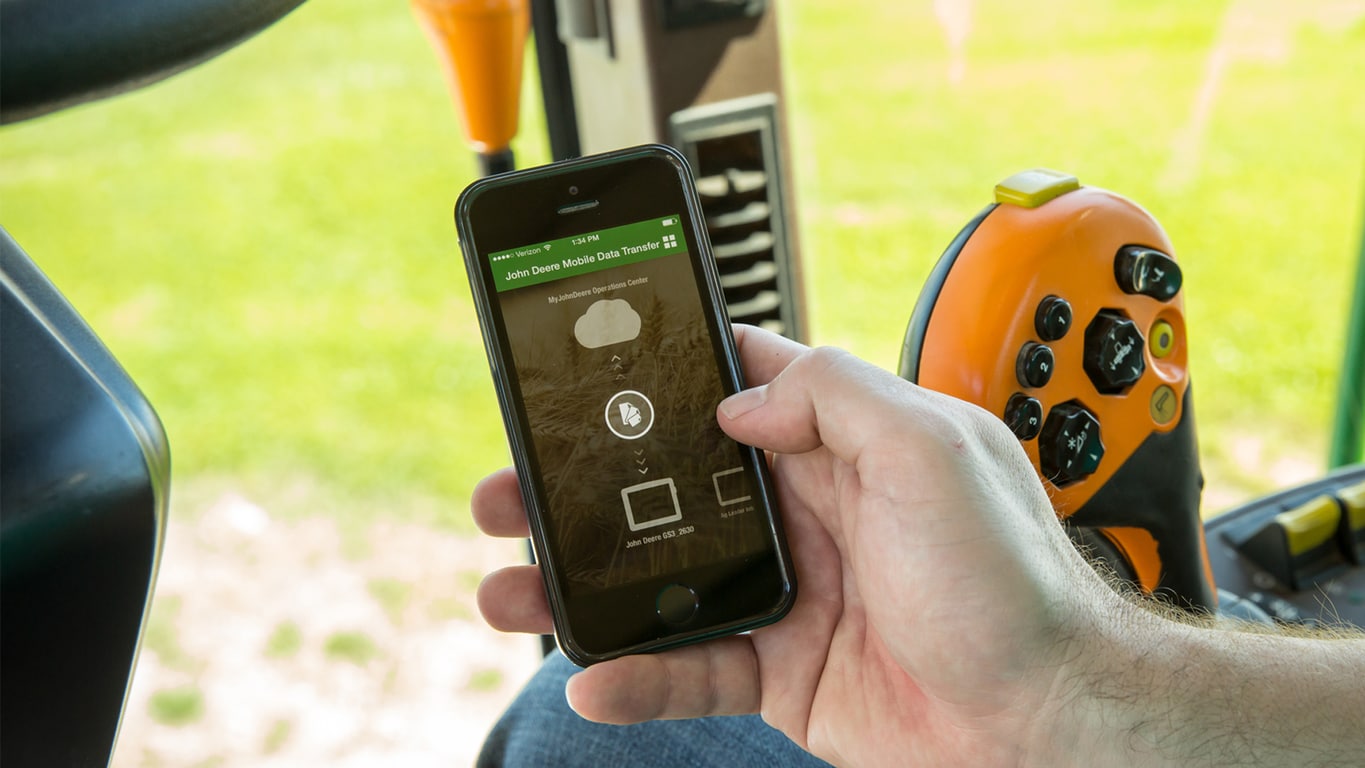
The MyTransfer mobile app moves data from your in-cab display to your John Deere Operations Center account and back. It lets growers and their trusted advisers share data wirelessly without traveling to swap a data storage device.
How does John Deere MyTransfer send files from the display?
You export files from the in-cab display to an approved USB device, and MyTransfer sends them to the Operations Center using your smartphone. You can send over your cellular data plan or wait for a Wi-Fi signal.
Can I send prescriptions to the tractor with John Deere MyTransfer?
Yes. Setup and prescription files can be pulled from the My Files section of your Operations Center account while you are in the machine in the field, which saves time during planting and spraying.
Does John Deere MyTransfer work with other display brands?
Yes. Growers using approved competitive displays can send production data to the Operations Center to view in Field Analyzer or use in third-party API applications, keeping data from different display brands in one place.
Where can I buy genuine parts for my John Deere display and precision ag equipment?
Koenig Equipment stocks genuine John Deere parts for the displays and precision ag equipment you use with MyTransfer, and our parts teams across Ohio and Indiana can find what you need. Choose same-day delivery from a nearby Koenig store or pick up in store.